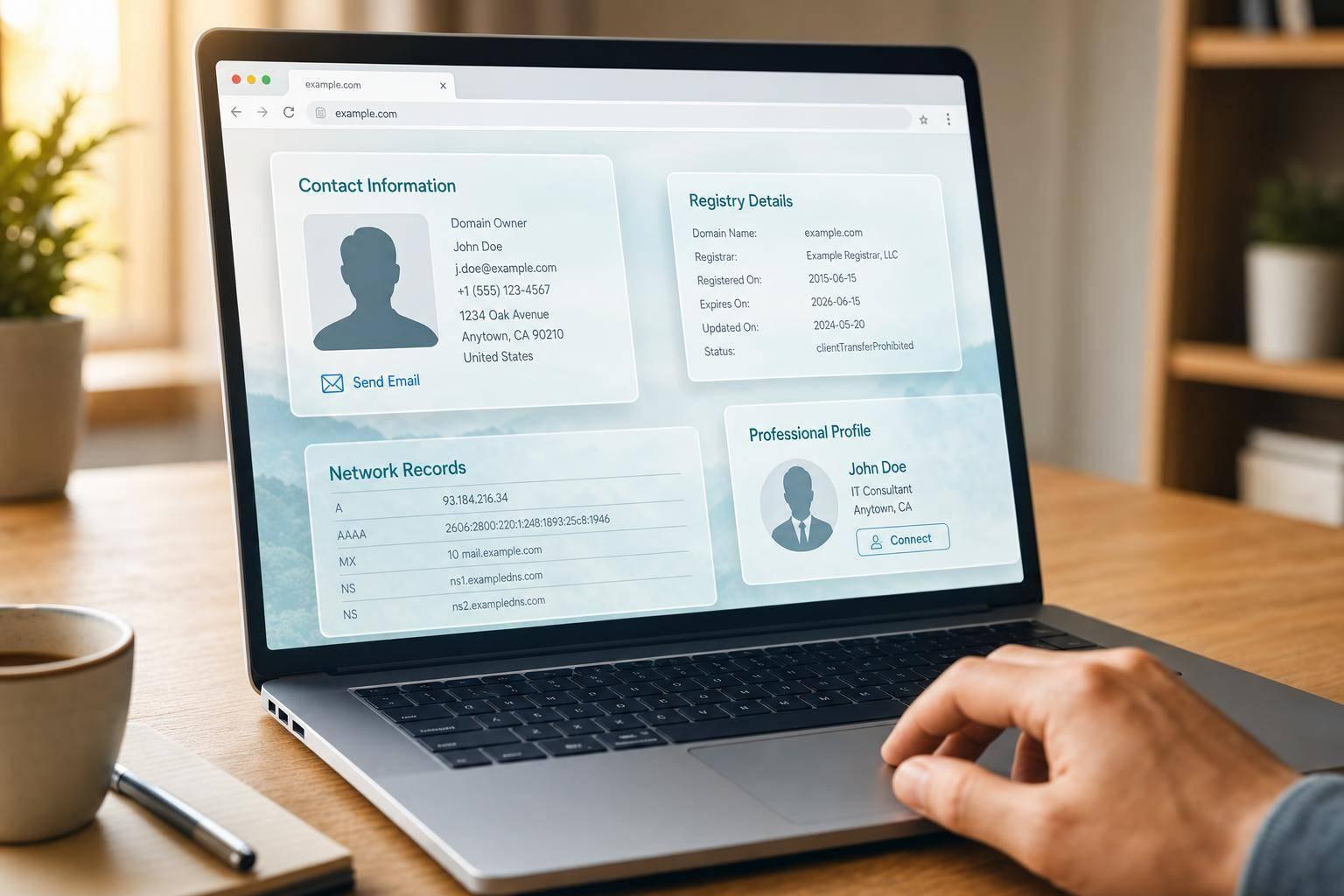
If you want to reach a domain owner, start with ICANN/RDAP, then check the site, DNS, and LinkedIn, and use the contact path that fits the type of domain.
I’d boil the process down to this:
- Active business site: check the contact page, footer, privacy policy, and LinkedIn
- Parked domain: use the Buy Now or Make an Offer page
- Private WHOIS: use the registrar’s forwarding form or abuse contact
- No site at all: look at DNS records and old WHOIS data for leads
Here’s the main point: the registrant, the site operator, and the person who can say yes are often not the same person. So I’d aim for the decision-maker first when the goal is a sale, deal, or business request.
A few things usually stay public even when owner details are hidden: registrar name, nameservers, status codes, and creation/expiration dates. That small set of data is often enough to find the next step.
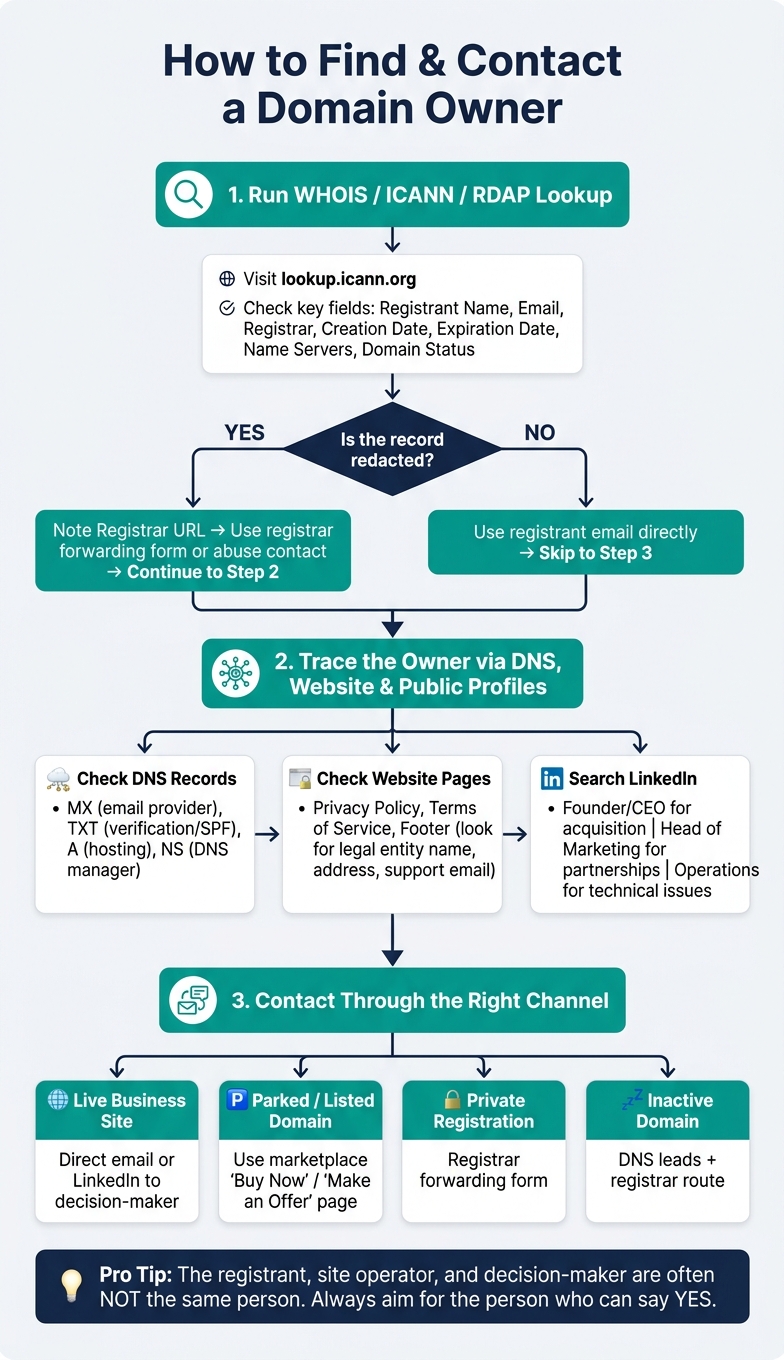
How to Find a Domain Owner: Step-by-Step Lookup Process
How to Find Out Who Owns a Domain - HostGator
sbb-itb-96552b7
Quick comparison
| Situation | Best first step | Best contact path |
|---|---|---|
| Live business website | Check site pages and company details | Direct email or LinkedIn |
| Parked or listed domain | Open the sales landing page | Marketplace or broker |
| Private registration | Run ICANN/RDAP lookup | Registrar forwarding form |
| Inactive domain | Review DNS and old records | Old leads, registrar route |
In short: don’t stop at WHOIS. I’d use public records to identify the setup, then move to site clues, DNS, and public profiles to find the person most likely to reply.
Step 1: Start with WHOIS, RDAP, and ICANN lookup
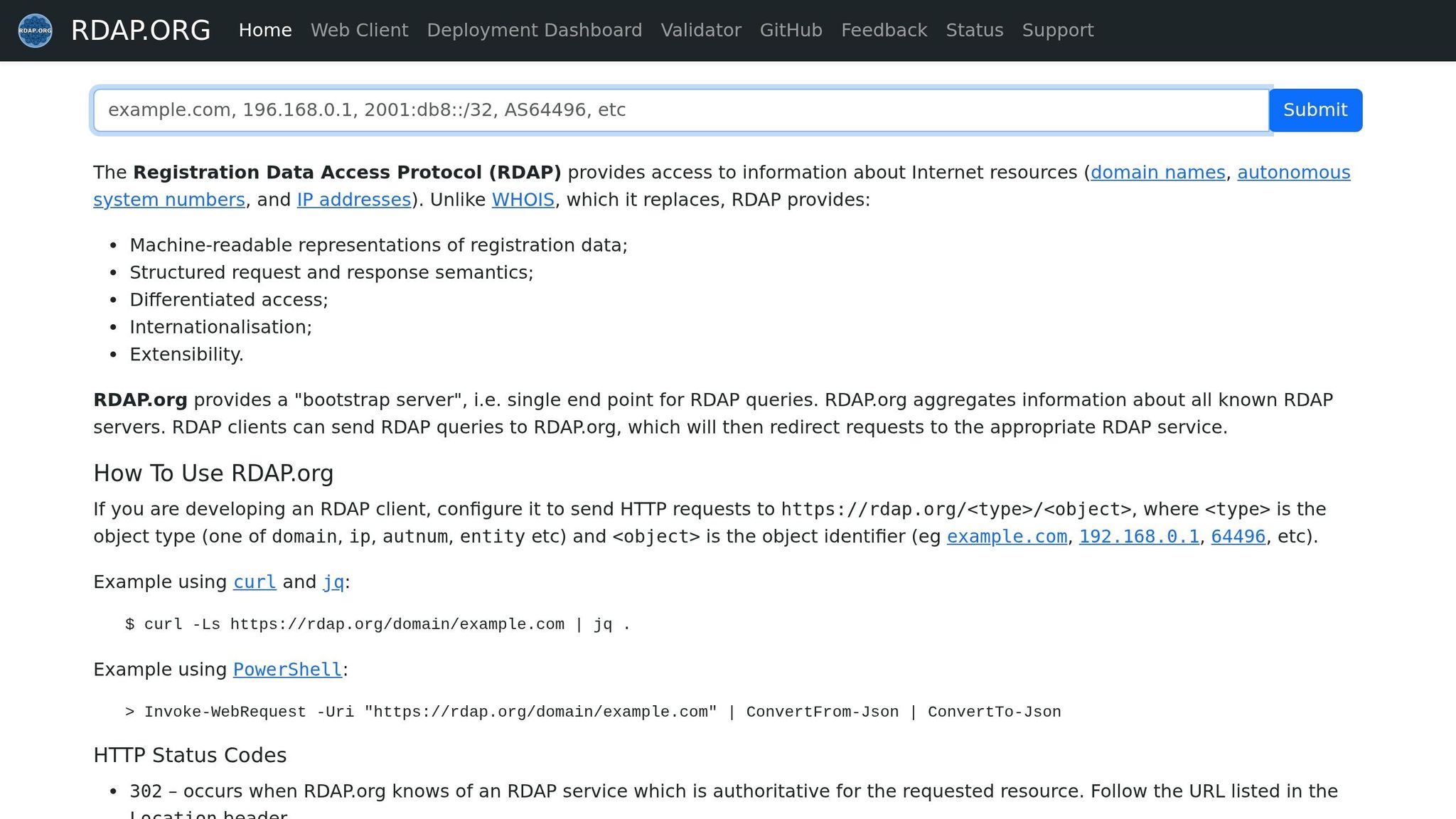
Start with an ICANN, WHOIS, or RDAP lookup. ICANN lookups often use RDAP, which shows registration data in a structured format. If the lookup is redacted, the next move is to trace the site and DNS clues back to the company running it.
How to run a lookup and read the key fields
Go to lookup.icann.org, enter the domain, and pay attention to the fields below. These are the ones most likely to point you to a real person, a contact route, or the registrar handling the domain.
| Field | Why It Matters for Outreach |
|---|---|
| Registrant Name / Organization | Identifies the owner or company if not redacted |
| Registrant Email | Direct contact path, or registrar forwarding address |
| Registrar Name & URL | Links to the registrar's lookup or contact page |
| Creation Date | Shows when the domain was first registered |
| Expiration Date | Shows when the domain expires |
| Name Servers | Reveals the DNS provider and can offer infrastructure clues |
| Domain Status | clientTransferProhibited usually means the domain is transfer-locked |
If the email uses the registrar's domain, it usually forwards to the owner without exposing their private address.
What to do when the record is redacted
If the record shows [Non-Public Data] or a privacy service, don't stop there.
Start by noting the Registrar URL and visiting it directly. Many registrars offer a contact form or forwarding path for privacy-protected domains. Then check the Registrar Abuse Contact Email or Registrar Abuse Contact Phone. Those fields help you verify the registrar and find its contact route.
If that path doesn't give you a contact, move on to DNS and the live website.
When to check historical WHOIS records
Historical WHOIS records can help when the current record is hidden or when you need an older ownership trail. Past records may show a previous registrant name, company, or email address from before privacy protection was added. They can also show changes in nameservers or registrars, which may hint at a transfer or rebrand.
Use historical data as a lead, not proof. It reflects past ownership, not always the current registrant. That means it's useful for finding leads, but not for assuming who owns the domain today.
Step 2: Trace the real owner through DNS, the website, and public profiles
If WHOIS is private, shift from raw infrastructure data to identity signals. DNS records, on-site legal details, and public profiles can help you figure out which company is behind a domain.
Use DNS records to identify the company behind the domain
Start with the DNS records. The MX record is often the clearest clue. If it points to aspmx.l.google.com, the domain is likely using Google Workspace for email. If it points to outlook.com, it may be using Microsoft 365.
TXT records can help too. A google-site-verification string shows that the domain is tied to a verified Google account. An SPF record like v=spf1 include:_spf.google.com ~all shows which services can send email on the domain’s behalf. In some cases, that includes tools like HubSpot or Mailchimp. Put together, these signals can point you to the company using the domain.
| DNS Record | What It Reveals |
|---|---|
| A | Hosting and IP clues |
| MX | Email service (Google Workspace, Microsoft 365) |
| NS | DNS manager (Cloudflare, Route53, Akamai) |
| TXT | Verification codes, SPF records, third-party service links |
Check the site's contact, legal, and footer pages
Then check the site itself. Legal pages and footer details often spell out the business name behind the domain.
Look through the Privacy Policy, Terms, and footer for the legal entity, street address, or support email. Sometimes one small line in the footer gives you exactly what you need. Even if WHOIS tells you nothing, those details can give you a direct path for outreach.
Find the decision-maker on LinkedIn or social profiles
If the company name still isn’t clear, move to social profiles. Search the company name on LinkedIn and look for the right person based on your goal.
- Founder or CEO for acquisition
- Head of Marketing for partnerships
- Operations for account or technical issues
This step is less about guesswork and more about connecting the dots. DNS tells you who may be using the domain, the site can confirm the legal entity, and LinkedIn helps you find the person who can actually respond.
Step 3: Contact the owner through the right channel
Once you've identified the likely owner or operator, use the channel most likely to reach the person who can actually make the call. The wrong path slows everything down and can hurt your reply rate.
Direct outreach: email, forms, and registrar forwarding
If you have a real email address, use it. If not, try to reach the person most likely to approve the request instead of sending a note to a generic inbox. In many cases, reaching a decision-maker gets better results than emailing a catch-all address.
When WHOIS is privacy-protected, use the forwarding address or registrar contact form. That lets the registrar pass along your message without exposing the owner's direct contact details. And if you're dealing with a trademark or abuse issue, check the WHOIS record for the Registrar Abuse Contact Email field and use that channel instead.
A contact form on the website can work as a backup. But let's be honest: it's often slower and much easier to ignore.
Also, don't expect one email to do all the work. Most replies come after a short follow-up sequence, not a single message.
If you still get nothing back, switch to the listing or broker route instead of sending more blind emails.
Marketplace and broker paths for parked or listed domains
If the domain goes to a parked page or shows a Buy Now or Make an Offer button, follow that route. Send your offer through the marketplace where the domain is listed. These platforms handle payment and transfer in a secure way, so trying to go around them and negotiate direct can add friction for both sides.
For high-value domains, a domain broker can negotiate for you. The usual commission is 15%: 30% of the final sale price.
Use the marketplace to close the deal.
3 short outreach messages that tend to get replies
Keep your first message short and specific. Get to the point fast, and make it clear why the domain matters to them. These examples are a good starting point:
1. Buying a domain
Subject: Quick question about [domain.com]
Hi [Name], I came across [domain.com] and think it would be a strong fit for [your product/company name] because [one specific reason]. Would you be open to discussing a sale? - [Your name]
2. Partnership outreach
Subject: [domain.com] + [Your company]
Hi [Name], I run [your company], and I think there's a real overlap between what you're doing at [their company] and what we offer. [Domain.com] is part of why I reached out - it lines up well with a project we're building. Would a 15-minute call make sense? - [Your name]
3. Business issue
Subject: Concern regarding [domain.com]
Hi [Name], I'm reaching out because [domain.com] appears to overlap with our brand. I'd like to resolve this directly and professionally. Could we connect this week? - [Your name]
Conclusion: A simple workflow for finding and contacting a domain owner
Once you’ve gathered a few solid clues, follow a simple order. Start with WHOIS or ICANN. Then check DNS records, key pages on the site, and LinkedIn to trace the owner and find the best way in.
After you identify the likely owner, choose the fastest path to the right person. For listed domains, use the marketplace or a broker. For unlisted domains, email the decision-maker directly. For trademark claims or abuse reports, use the registrar’s abuse contact.
It also helps to log what you find as you go: the domain, owner clues, contact channel, and next step. That simple workflow can turn a hidden domain into a reachable contact.
FAQs
Can I find a domain owner if WHOIS is private?
If WHOIS privacy is turned on, the public record shows the proxy service provider’s details instead of the domain owner’s actual contact information.
That said, you can often still reach the owner through the email address or contact form listed in the public WHOIS record. If that doesn’t work, check the domain’s website or the owner’s profile on a domain marketplace if the domain is listed for sale.
What if the domain has no website or contact page?
If a domain doesn’t have a website or contact page, try a WHOIS lookup. It may show the registrant’s identity and the registrar’s contact details, like an abuse email address. If privacy protection is turned on, the privacy service may step in as the middleman.
You can also look up the domain on LinkedIn or domain marketplaces. In some cases, owners list domains for sale there and include a way to get in touch.
Who should I contact if I want to buy a domain?
Try contacting the domain owner directly. Start with the website’s contact page. If the domain is listed for sale, check the marketplace profile too.
You can also run a WHOIS lookup. Just know that privacy protection may hide the owner’s contact details. If that happens, look for a broker service or a professional profile like LinkedIn to find someone you can reach.