Most short .com domains are gone. So if you want a brand-style name you can still register, the tool matters almost as much as the idea.
I’d sum it up like this:
- Use Lean Domain Search if you already have one keyword and want open .com options fast.
- Use Namelix if you want short, made-up startup-style names, but double-check availability.
- Use BrandBucket or Atom.com (Squadhelp) if you’re open to paying for a name that’s already for sale.
- Use Panabee if you want to check domain + social handles in one pass.
- Use NameMesh if you want keyword-based ideas sorted into tabs like Short, Fun, and SEO.
The big issue is availability. The article points out that more than 99% of short .com domains are already taken, and one 2026 sample found that 42% of Namelix suggestions were already registered. So I’d treat every generator as a starting point, not the final check.
This comparison covers eight tools:
- Lean Domain Search
- Namelix
- BrandBucket
- Squadhelp / Atom.com
- Panabee
- BustAName
- DomainWheel
- NameMesh
It looks at four things that matter most:
- Name style: brand-style vs. keyword-heavy
- Availability checks: live checks vs. partial checks
- Input type: keyword, short description, or manual controls
- Best use case: founder, marketer, or domain buyer
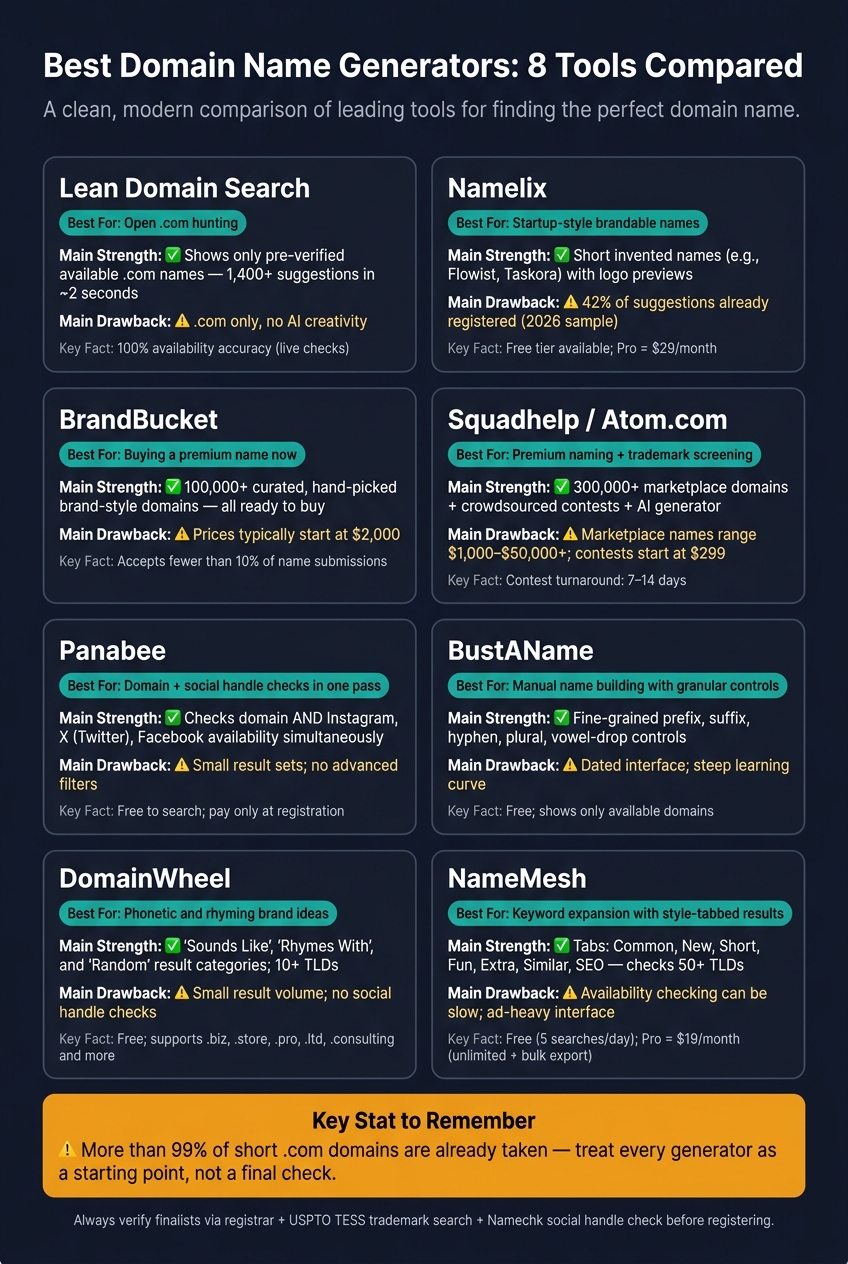
Best Domain Name Generators Compared: 8 Tools at a Glance
Comparing AI-Powered Domain Name Generators (Domain Names with AI!)
Quick Comparison
| Tool | Best for | Main strength | Main drawback |
|---|---|---|---|
| Lean Domain Search | Open .com hunting | Shows only available .com names | .com only |
| Namelix | Startup-style naming | Short, made-up names with logo previews | Availability can be off |
| BrandBucket | Buying a premium name now | Curated catalog of brand-style domains | Prices often start around $2,000 |
| Squadhelp / Atom.com | Premium naming + screening | Marketplace, AI generator, contests | Higher cost |
| Panabee | Domain + social checks | Checks names across web and social | Smaller result sets |
| BustAName | Manual name building | Fine-grained controls | Older interface |
| DomainWheel | Phonetic ideas | Rhymes, sound-alikes, related terms | Less control, smaller batches |
| NameMesh | Keyword expansion | Tabbed results across styles and TLDs | Final checks may need manual review |
If I were picking fast, I’d start with Namelix for brand feel, Lean Domain Search for open .coms, and Panabee or NameMesh for cross-checking. Then I’d run trademark, social handle, and domain history checks before buying.
1. Lean Domain Search
Lean Domain Search is the fastest pick for founders who already have one keyword and just need an open .com. It works as a keyword-based generator: you enter one term, and the tool combines it with common prefixes and suffixes to create open .com domain ideas. In about 2 seconds, it can show more than 1,400 suggestions, and those results are already checked for live availability.
Brandable Output
The output leans descriptive rather than made-up. That makes it a good fit for clear, readable domain names people can understand at a glance. But if you want an invented brand name with no built-in meaning, this tool has limits.
Availability
Every result it shows is already open for registration, which saves time and cuts out dead-end clicks. The catch is simple: it only checks .com domains. So if you're shopping for .io, .ai, .co, or another extension, you'll need something else.
Input and Filters
You start with one keyword or phrase. After that, you can narrow the results based on whether your keyword appears at the beginning or end of the name. You can also sort by popularity, length, or alphabetical order.
Best Fit
This tool fits solo founders who already know their core keyword and want a .com fast. It's free, and you don't need an account. That said, it's less helpful for marketers who want more naming variety or social handle checks. It also won't do much for investors looking for valuation data, domain history, or support across many TLDs.
Use it when your keyword is set and your next step is checking .com options fast.
If you want more naming range than simple keyword-plus-modifier combos, the next tool casts a broader net.
2. Namelix
Namelix takes a different path. Instead of blending keywords together, it leans on a generative model. The focus is brand feel first and domain checking second.
Brandable Output
Namelix uses a custom language model to produce short, invented names like Flowist or Taskora. It can generate invented words, compounds, misspellings, foreign words, and familiar words used in new ways. That makes it a stronger pick for startup-style naming than for plain keyword domains.
As you "heart" names during a session, the algorithm starts leaning toward what you like. So the later batches often feel more on-target than the first set. In plain English: it gets better as you use it. That makes it more useful for naming discovery than for strict keyword matching.
Availability
This is where Namelix falls short. It checks .com, .io, .co, and 20+ other TLDs, but its availability checks are incomplete. One 2026 sample found that 42% of generated names were already registered, so you should double-check any finalist through the registry and run a trademark search before you buy.
So the tool is strong at idea generation, but not as strong when you're down to final checks.
Input Model
You enter keywords or a short business description, choose a length from 2 to 12 characters, set a style, and generate names. The free tier has limits. Pro costs $29/month, billed annually.
Buyer/Founder Fit
Namelix is a good match for founders and marketers who want a fast, visual shortlist. Each result comes with an instant logo mockup through Brandmark integration, which helps you see how a name might look as a brand before you register it. That side-by-side preview makes comparisons easier.
It is less useful for investors who want names that are fully open for registration, because it can show marketplace listings instead of open registrations. If Namelix is the tool for coming up with brandable ideas, the next one is better for browsing names that are already packaged for sale.
3. BrandBucket
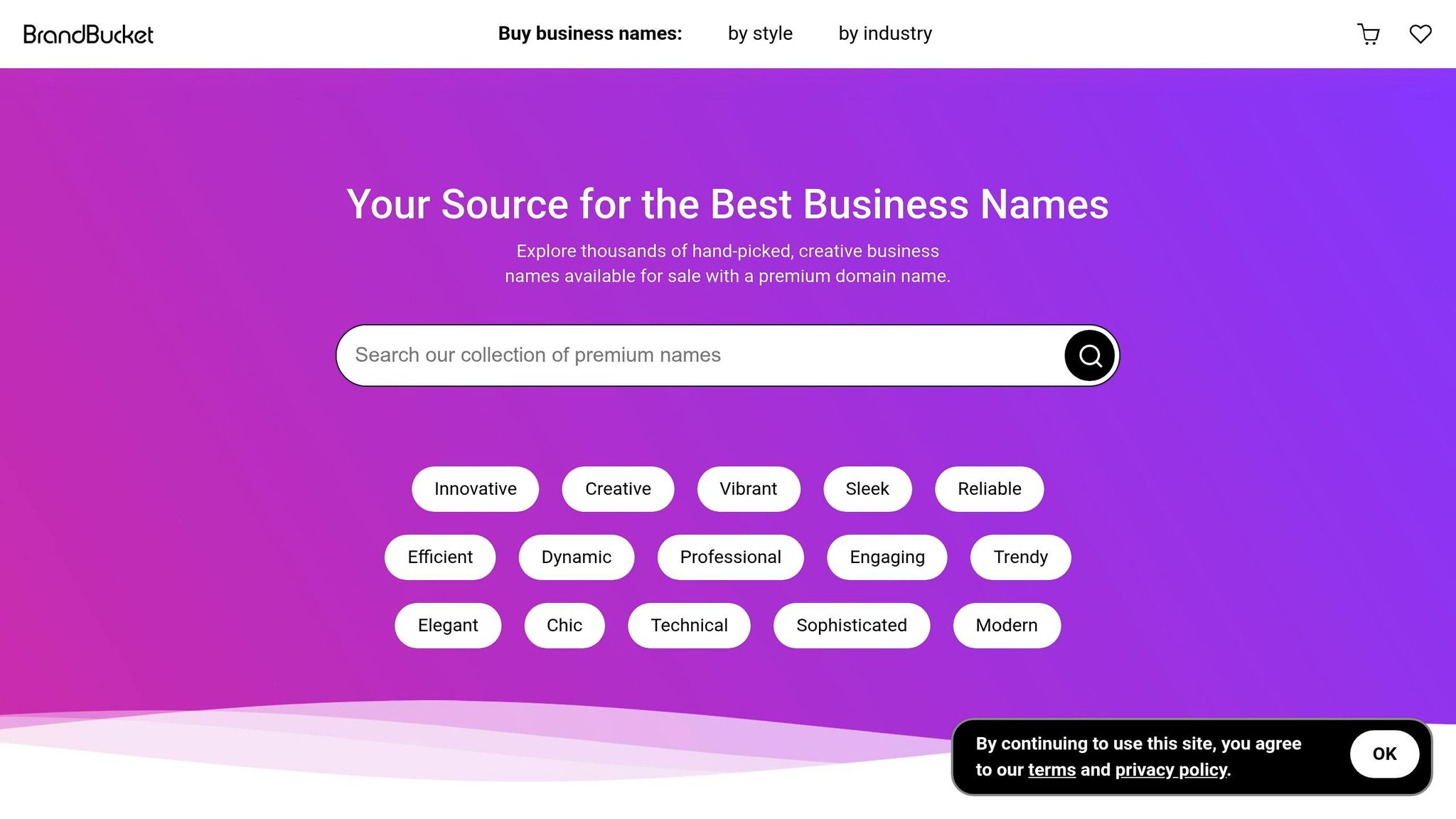
Where Namelix gives you ideas, BrandBucket sells names that are already finished. It’s a curated marketplace, not a standard name generator. So instead of making new combinations on demand, BrandBucket lets you browse more than 100,000 hand-picked names that are ready to buy right away.
Use BrandBucket if you want a name you can purchase now, not a tool for open-ended brainstorming.
Brandable Output
BrandBucket accepts fewer than 10% of submissions. That tight filter shapes the catalog. The platform leans toward invented, evocative, and suggestive names, and every listing comes with a logo. BrandBucket presents these names as pre-vetted options picked for trust, memorability, and commercial use.
Availability Depth
Every name in the catalog is available for immediate purchase. Most of the inventory centers on premium .com domains, though you’ll also find some .io, .ly, .me, .ai, and .gg names in the mix.
Input Model
You can search by keyword, industry, style, and purchase type. BrandBucket has more than 30 industry categories and 12 style filters, including Invented, Evocative & Suggestive, and Modern & Trendy. It also added an AI search layer, but that system filters the catalog instead of producing new names.
Buyer/Founder Fit
Pricing usually starts around $2,000. Lease-to-own is also available, with a 5% setup fee in the first month and sliding monthly installments after that. That puts BrandBucket out of reach for many solo founders watching every dollar. But for teams that want a polished name and a faster path to launch, the tradeoff may make sense. For domain investors, the draw is premium inventory with clear resale positioning.
If you want more choices at a lower price, the next tools move away from curated inventory and into live name generation.
4. Squadhelp
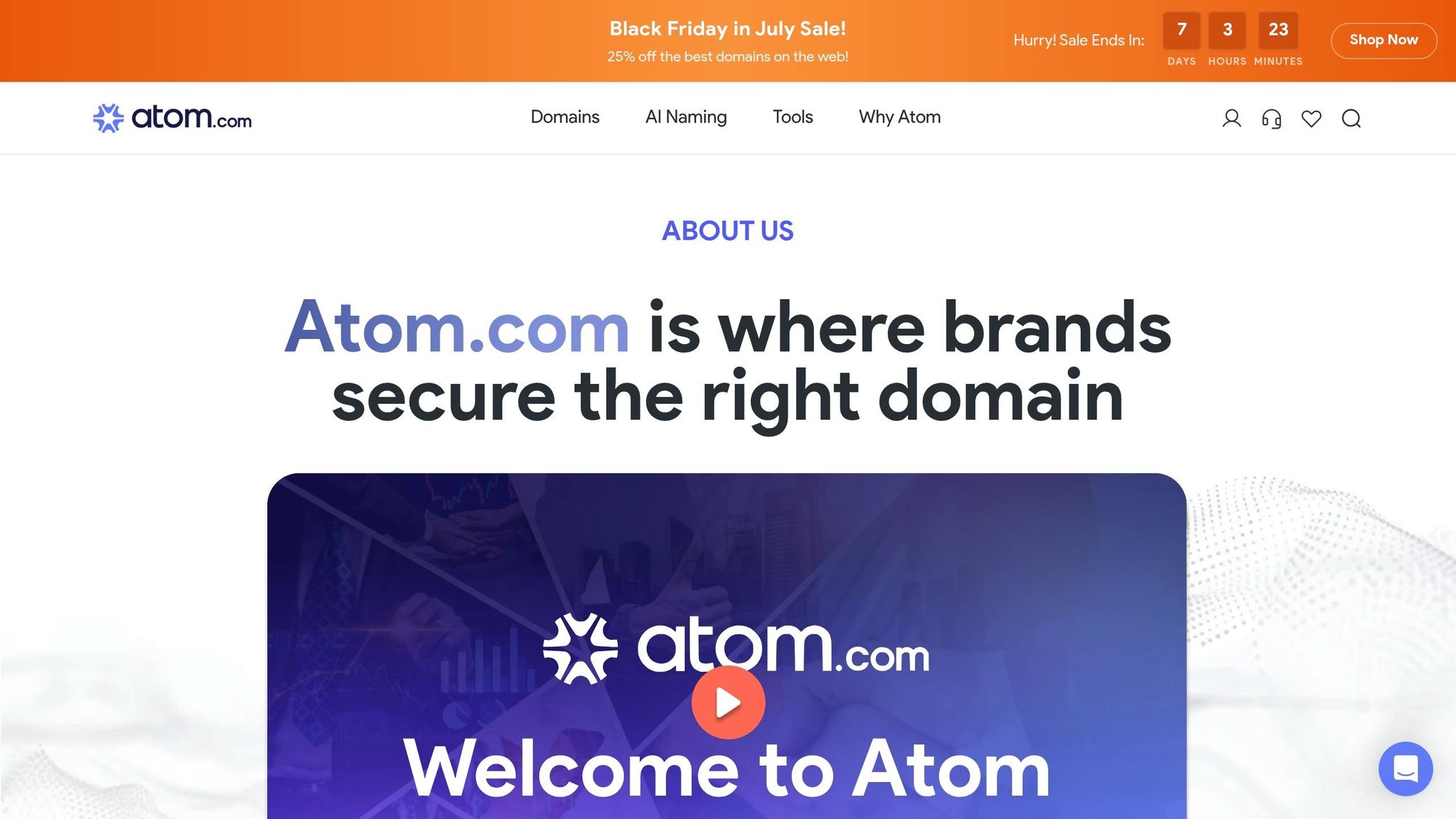
Squadhelp, now Atom.com, brings three things together on one platform: a free AI name generator, a marketplace with 300,000+ brandable domains, and crowdsourced naming contests. That setup gives you more than a static list of names. You can also run a contest and get new ideas from people.
Brandable Output
Squadhelp shines when you want abstract, company-style names instead of plain keyword combos. Its marketplace and contests often surface names that sound like brands already out in the market, like Spectric ($2,899), Wovenly ($4,999), and Outchat ($8,999).
If you're hunting for low-cost domains you can register at standard rates, this probably isn't the right lane.
Availability Depth
This mix is a big part of the appeal. Squadhelp works as both a naming tool and a domain marketplace, which changes the buying process. Contest entries come with availability and trademark screening built in, along with audience-testing data.
That means you're not just staring at name ideas and wondering, Can I even use this? You get some of that legwork handled up front.
Input Model
The free AI generator asks for your industry, two to three keywords, and the feelings you want the brand to bring to mind, such as Trust, Happiness, Love, or Ethical. It can also show suggestions with a ready-made logo and a short note about the idea behind the name.
If you want more control, naming contests let you submit a detailed brief to a community of human creatives. They send back name options over 7 to 14 days.
Buyer/Founder Fit
For funded startups, fintechs, and consumer brands that need trademark-safe naming, Squadhelp is a strong match. Marketplace names usually range from $1,000 to $50,000+, and naming contests start at $299 for Standard and go up to $1,999 for Agency.
It makes the most sense for teams that want brand safety, audience feedback, and a premium source of names in one place.
5. Panabee
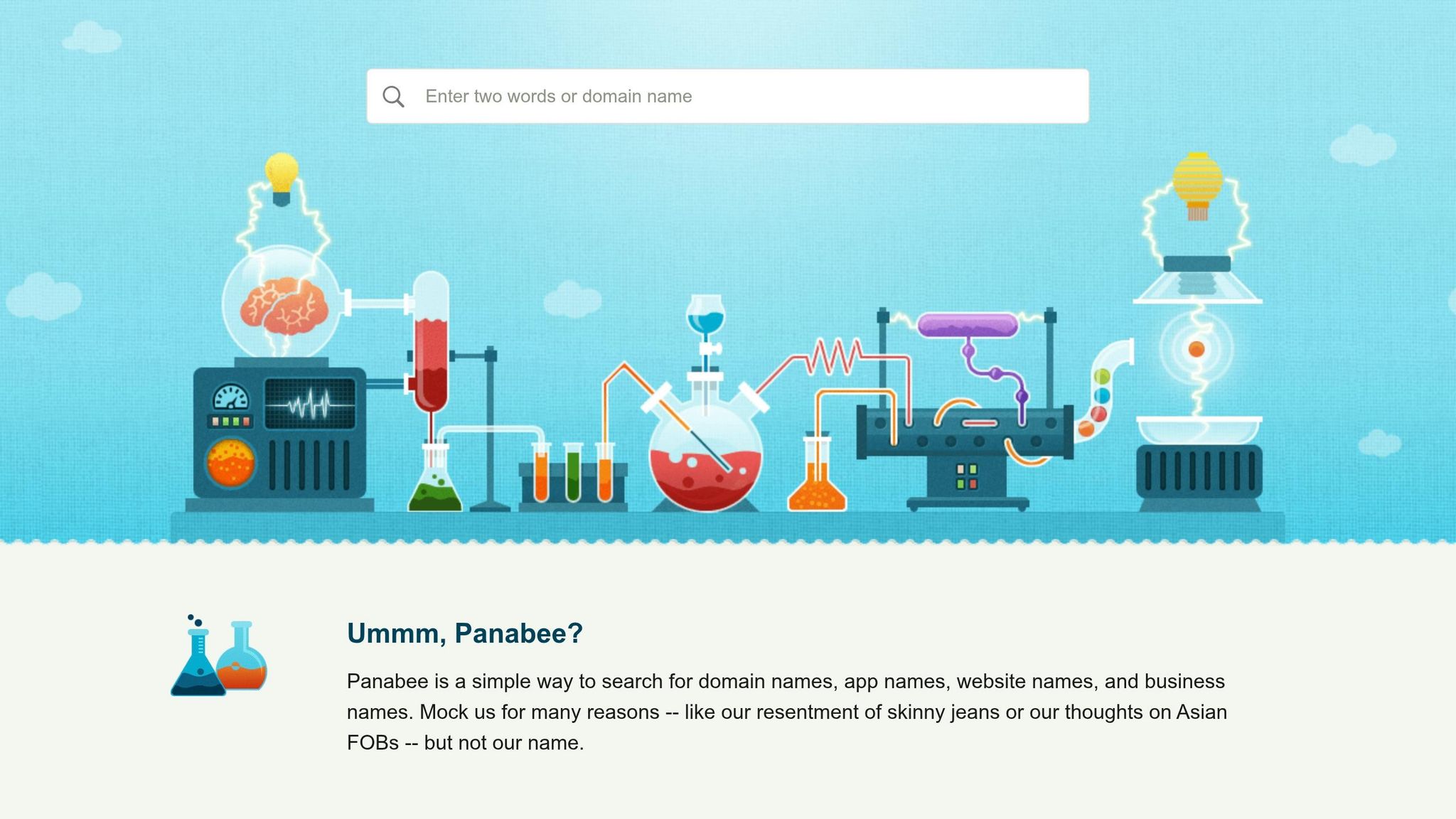
After curated marketplaces, Panabee is a lighter pick for fast, low-cost brainstorming. It takes a tighter, keyword-led approach to naming. Instead of spitting out a giant list of keyword mixes, it leans on wordplay, spelling shifts, suffixes, phonetic variants, and a built-in thesaurus to turn one keyword into name ideas that feel less plain. You get fewer results, but many of them feel more like actual brand names than basic keyword mashups.
Brandable Output
Panabee works well when you want names that go past the obvious. Its abbreviations, phonetic changes, and readability tweaks can surface brandable options that feel less literal than a direct keyword match. If you start with a broad keyword, though, the results can drift into generic territory.
Availability Checks
Panabee’s biggest plus is its built-in availability check. In one search, it looks at domain availability and social handle availability, including Instagram, X (Twitter), and Facebook. That’s handy if you want a name that lines up across your site and social accounts. It doesn’t show inline pricing, and it sends you to a registrar to complete the purchase.
Input Model
The process is simple: type in a main keyword or idea, and Panabee applies its transformations to generate alternatives. It’s best for quick ideation, not full brand strategy.
Buyer/Founder Fit
Panabee is a good fit for solo founders who want a fast cross-platform check. It also helps marketers who need quick name variations for use across channels. Search is free, and you only pay when you register.
It’s less useful for domain investors or teams that need bulk output, advanced filters, or trademark screening.
If you need more combination volume, the next tools cast a wider net.
6. BustAName
BustAName is a manual domain builder for people who want direct control over prefixes, suffixes, and word structure. It works best when you already have a naming pattern in mind. It’s less suited for a fast, automated brainstorm.
Brandable Output
BustAName gives you specific controls for prefixes, suffixes, hyphens, plurals, and vowel dropping. That last option lets you remove the final vowel from a word, which can help you create shorter, tighter names.
Availability Depth
BustAName shows only available domains and is free to use. You only pay when you register the domain through a registrar.
Input Model
Instead of using a natural-language prompt, BustAName relies on granular controls for word structure. That gives you more hands-on input, but there’s a trade-off: the interface feels dated and takes more time to learn, especially if you were hoping for something fast and smooth.
Buyer/Founder Fit
BustAName is a good match for naming pros and advanced users who want to shape names with precise controls. For quick brainstorming, though, the older interface can slow things down. If you want a more automated search with a larger batch of suggestions, the next tool casts a wider net.
7. DomainWheel
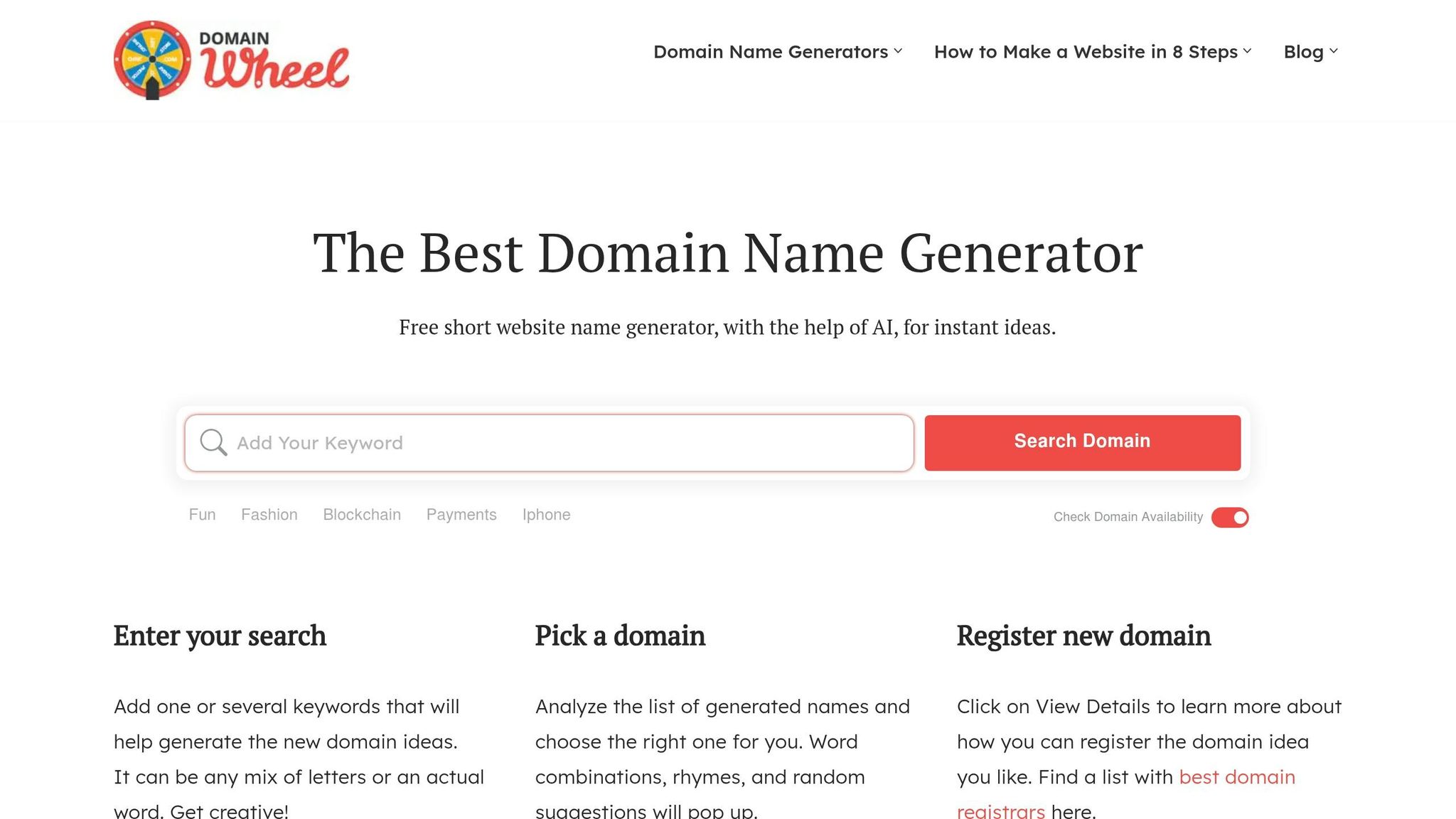
DomainWheel uses AI to turn a seed keyword into related brand ideas. Instead of giving you only plain keyword combos, it leans into sound-alike names, rhymes, and related terms. That makes it handy when you want something that feels more like a brand and less like a description.
Brandable Output
Enter a keyword and you'll see three result categories: "Sounds Like", "Rhymes With," and "Random Suggestions." The first two are the most useful if you're trying to come up with invented names that sound like actual brands, not just stitched-together keywords. The "Random Suggestions" bucket can drift off brief.
Availability Depth
It shows only live domains and supports more than just .com and .net. You can also look at options like .biz, .store, .pro, .ltd, and .consulting. The downside is pretty simple: it doesn't show inline pricing, and it won't check social media handle availability next to the domain results.
Input Model
You can enter one or more keywords, and the tool expands them with synonyms and related terms to surface more natural name ideas. You can also narrow the list by filtering for specific TLDs and character length.
Buyer/Founder Fit
DomainWheel is a good fit for solo founders and early-stage marketers who want fast, brandable ideas across many TLDs. It's free to use, and you only pay when you register a domain through a third-party registrar. On the other hand, it's not the best pick for domain investors who need bulk generation or deeper registrar price comparisons.
If you need broader keyword mixing and heavier batch output, the next tool widens the search.
8. NameMesh
If you already have a seed keyword and want organized variations, NameMesh is a solid next move. You enter two or three keywords, and the tool sorts ideas into tabs like Common, New, Short, Fun, Extra, Similar, and SEO.
Brandable Output
The best tabs for brand-style names are Fun and Short, with New also worth a look if you want less expected variations. Short focuses on compact 4: 6 character names, which is handy if you're after something punchy and easy to remember. Fun goes in a more playful direction and feels less tied to plain keyword matching.
By contrast, SEO and Common stick closer to direct keyword combinations. That makes them more useful for descriptive names than for a brand-led pick.
NameMesh is best seen as a keyword expansion tool, not a name invention tool. If your starting keywords are weak, the output will usually feel weak too.
Availability Depth
NameMesh checks domain availability across more than 50 TLDs, including .com, .io, .co, and .ai. It found available .com domains for 70% of generated suggestions. In some cases, you may need to click manually to confirm availability, so it’s smart to double-check your final choice with a registrar before you buy.
Input Model
The tool works best when you give it two to three keywords. It also scores names on a 0: 100 scale using factors like memorability, spelling ease, and domain value. That makes it most useful later in the naming process, when you already know your main keyword and want fast side-by-side comparisons.
Buyer/Founder Fit
Use NameMesh when you already have a keyword and need fast, sortable brand directions without jumping between tools. The tabbed layout makes comparison easy: you can look at SEO-driven names, short options, and more playful directions in one session.
Pricing is simple:
- Free tier: up to 5 searches per day
- Pro plan: $19/month
- Pro adds unlimited searches and bulk export
That makes NameMesh handy when you want to compare directions fast before moving into the final use-case comparison.
Pros and Cons by Use Case
No single tool works for every naming job. The best choice depends on where you are and what you need to get done.
The table below boils down the eight tools down by user goal.
| Audience | Common Scenario | Strongest Tools | Why |
|---|---|---|---|
| Founders | Need an investor-ready brand name | Namelix, Squadhelp, BrandBucket | Invented names with logo previews; ready-to-buy names |
| Marketers | Need SEO-friendly or campaign-ready names | NameMesh, Panabee | Organized by style; domains and social handles together |
| Domain Investors | Finding premium .coms for resale | Lean Domain Search, BrandBucket, Squadhelp | Fast, available .coms; curated premium names |
Need a fast side-by-side view? Use the matrix below.
| Tool | Main Pro | Main Con |
|---|---|---|
| Lean Domain Search | Fast, pre-verified .com ideas | .com only; no AI creativity |
| Namelix | Strong brandable output; verify availability manually | Incomplete real-time availability checks |
| BrandBucket | Best for buyers, not brainstormers | Premium pricing |
| Squadhelp | Best for buyers, not brainstormers | Expensive; slower process |
| Panabee | Domains and social handles in one search | Low volume; no advanced filters |
| BustAName | Most granular word controls | Dated interface; steep learning curve |
| DomainWheel | Creative phonetic and rhyming suggestions | Small result volume; limited filtering |
| NameMesh | Style-tabbed results for fast comparison | Slow availability checking; ad-heavy interface |
Conclusion
Choose the tool based on the job in front of you: invented startup names, ready-to-buy premium domains, or keyword-led brainstorming. For startup naming, Namelix is the best place to start. For premium brandable domains, Atom.com (formerly Squadhelp) and BrandBucket are the right match. For keyword-led work, NameMesh and Panabee handle keyword expansion and phonetic variants well. The point isn't just to find a clever name. It's to find one you can actually use.
Treat every result as a shortlist, not the final answer.
Once you've narrowed things down to a few finalists, run a few checks before you register:
- Say it out loud. If someone hears the name once on a phone call and still can't spell it, that's a problem for word-of-mouth. Skip hyphens, numbers, and double letters.
- Check USPTO TESS. Domain availability and trademark availability are not the same thing. A name might be open as a URL and still be trademarked in your category.
- Check your social handles. Use a tool like Namechk to see whether the name is open on Instagram, X (Twitter), and TikTok before you commit.
- Check the domain history. Run it through the Wayback Machine and a tool like Ahrefs to make sure it doesn't come with old penalties or spammy backlinks.
Also, check the renewal price, not just the first-year deal. Intro rates often jump after year one.
FAQs
How do I verify a domain is really available?
Don’t lean on suggestions alone. Use a tool that checks live availability against source data, because some generators still show domains that were registered years ago.
Then make sure the name is usable in practice. Check trademarks, look at the domain’s history for spam or other baggage, confirm the main social handles, and think hard about the TLD.
If privacy matters, skip retail registrar tools that may log your searches.
What makes a domain name truly brandable?
A brandable domain name should be easy to remember, simple to spell, and easy to say out loud. As a rule of thumb, keep it under 15 characters. It should also skip hyphens, numbers, and repeated double letters, so people can hear it once and type it in without needing extra explanation.
These names often lean on invented words, abstract metaphors, or unusual portmanteaus instead of generic keyword-stuffed phrases. They also need to be available, legally ownable, and clear of trademark conflicts.
Should I trademark a name before buying the domain?
Always check trademark availability before you buy a domain. Registering a domain does not give you legal rights to a brand name. A domain can be open for purchase even when the name is already protected by a trademark.
A simple way to handle this is to come up with a few name ideas using generators, screen each one in the USPTO or another trademark database, and then get final clearance from a trademark attorney before you complete the purchase.